


Motion Control
Simply upload a reference video and specify the character to imitate. The motion control feature can accurately replicate the actions in the video while ensuring smooth motion and consistent character appearance.
Input
Upload Video *
View upload limits
Video: MP4 / MOV, ≤100.0MB, up to 1 videos, duration 3s ~ 30s
Upload Image *
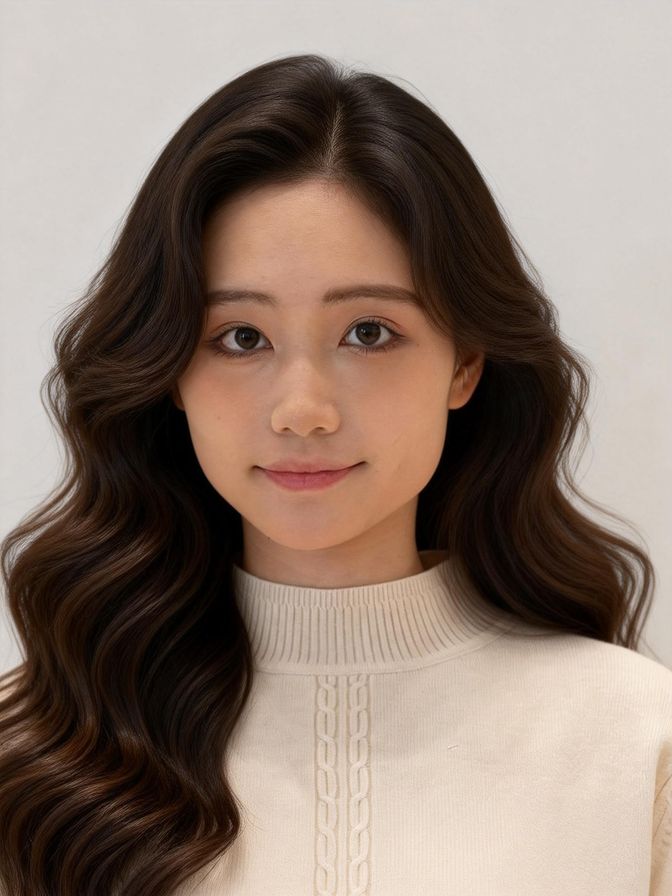
View upload limits
Image: JPG / PNG / WEBP, ≤10.0MB, up to 1 images, width & height ≥300px, aspect ratio 1:2.5 ~ 2.5:1
Prompt(optional)
Resolution
Character Orientation
Result
View History| Model & Modality | Credits / Gen | Our Price (USD) | Official Price (USD) | DISCOUNT |
|---|---|---|---|---|
bytedance dreamactor, video-to-video videoByteDance | 15 per second | $0.067 | $0.1 | - 33% |
| Model & Modality | Credits / Gen | Our Price (USD) | Official Price (USD) | DISCOUNT |
|---|---|---|---|---|
motion control, standard-720p videoKling | 20 per second | $0.0893 | $0.126 | - 29% |
motion control, pro-1080p videoKling | 27 per second | $0.1205 | $0.168 | - 28% |
| Model & Modality | Credits / Gen | Our Price (USD) | Official Price (USD) | DISCOUNT |
|---|---|---|---|---|
animate-move, standard, 480p videoAlibaba | 30 per second | $0.1339 | $0.12 | +12% |
animate-move, pro, 720p videoAlibaba | 45 per second | $0.2009 | $0.18 | +12% |
animate-replace, standard, 480p videoAlibaba | 45 per second | $0.2009 | $0.18 | +12% |
animate-replace, pro, 720p videoAlibaba | 60 per second | $0.2679 | $0.26 | +3% |
AI Mimic Motion - Make Photos Mimic Any Video Motion
Mimic Motion AI lets you animate static images using real video motion. Upload a reference video and a photo to replicate movements or replace characters while keeping realistic body motion and expressions.
Multi AI Motion Control Model Support
Crun AI support multi motion control AI models APIs, including kling2.6-motion-control, Wan 2.2 Animate, Bytedance Dreamactor, etc. We keep updating the latest models to ensure you always have ideal tools for your animation needs.


Animate Photos with Real Video Motion
Mimic Motion AI to transfer motion from a reference video directly to a static image. By analyzing body movement and pose sequences, AI recreates realistic animation where the photo follows the same motion pattern as the original video.
Replace Characters in Existing Videos
With Mimic Motion AI, you can swap the character in a video while preserving the original motion. Upload a new character image and AI will map the movement, posture, and timing to generate a new video with the replaced subject.
AI Video Creation for Creators and Developers
Crun Mimic Motion AI is suitable for creators, developers, and content platforms that want automated animation generation. It simplifies complex motion capture processes and enables scalable AI video production.
AI Motion Model Capability Comparison
Crun AI Mimic Motion provides multiple motion animation models to support different video generation scenarios. Each model focuses on different aspects of motion transfer, animation realism, and character consistency.
| Function / Capability | Kling 2.6 Motion Control | Wan 2.2 Animate | Bytedance DreamActor |
|---|---|---|---|
Motion transfer from reference video | Yes | Yes | Yes |
Character replacement in video | Yes | Yes | No |
Maximum reference video length | 3 - 30s | 2 - 30s | 1 - 60s |
Full-body motion accuracy | Very High | High | Medium-High |
Facial expression reenactment | High | Very High | High |
Gesture and hand movement capture | Very Strong | Strong | Medium |
Motion stability across frames | Very Stable | Stable | Stable |
Best use case | Complex motion replication, dancing, sports actions | Character animation with expression consistency | Avatar videos, social media animation |
Frequently Asked Questions
What is an Mimic Motion AI?
Mimic Motion AI is an AI animation technology that transfers motion from a reference video to a static image, allowing the image to mimic the same movements.How does Mimic Motion AI work?
AI will analyzes pose, motion trajectory, and body dynamics from a reference video and applies those movements to a target image to generate animated video output.How long does it take to generate a video?
The generation time is typically between 1 and 5 minutes, depending on the length of your reference action video and server load.Can Mimic Motion AI replace characters in a video?
Yes. You can upload a new character image and choose the kling2.6 or wan2.2-mix model. AI will map the original video's motion to the new characterWhat input files are required?
Typically you need a reference video for motion and an image that will become the animated subject.What types of photos and videos produce the best results?
Images and videos have the same aspect ratio.A clear, well-lit frontal photograph clearly shows the subject's face and entire body.The movements of the people in the video are clearly visible and smooth.What are common use cases for Mimic Motion AI?
Common uses include AI video generation, character animation, social media content creation, virtual avatars, and video editing automation.
