


Kling 3.0
Kling 3.0 delivers multi-shot storytelling, native audio generation, strong character consistency, and cinematic camera control for text-to-video and image-to-video workflows.
Input
Upload Images
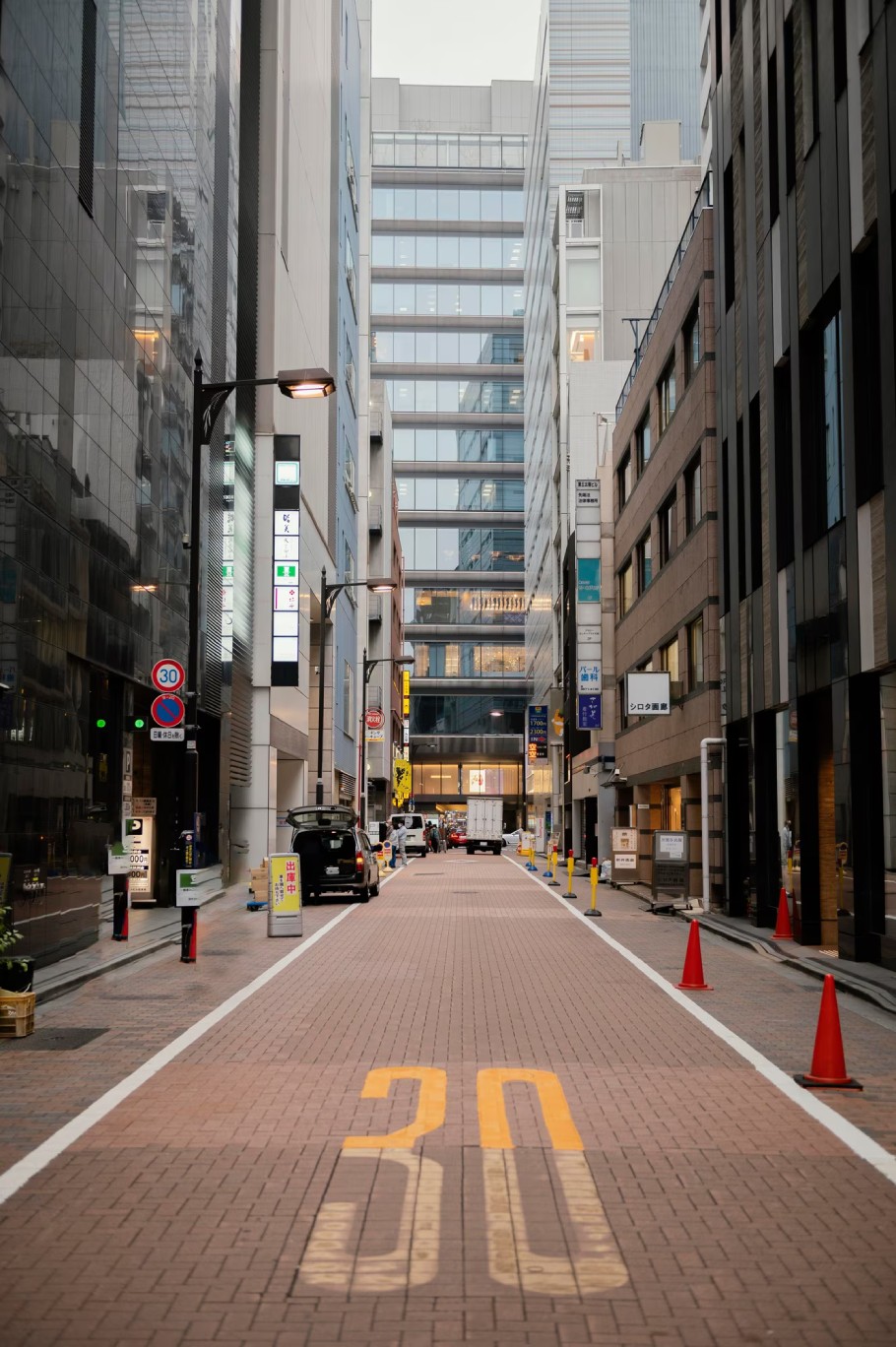
Subject(Optional)
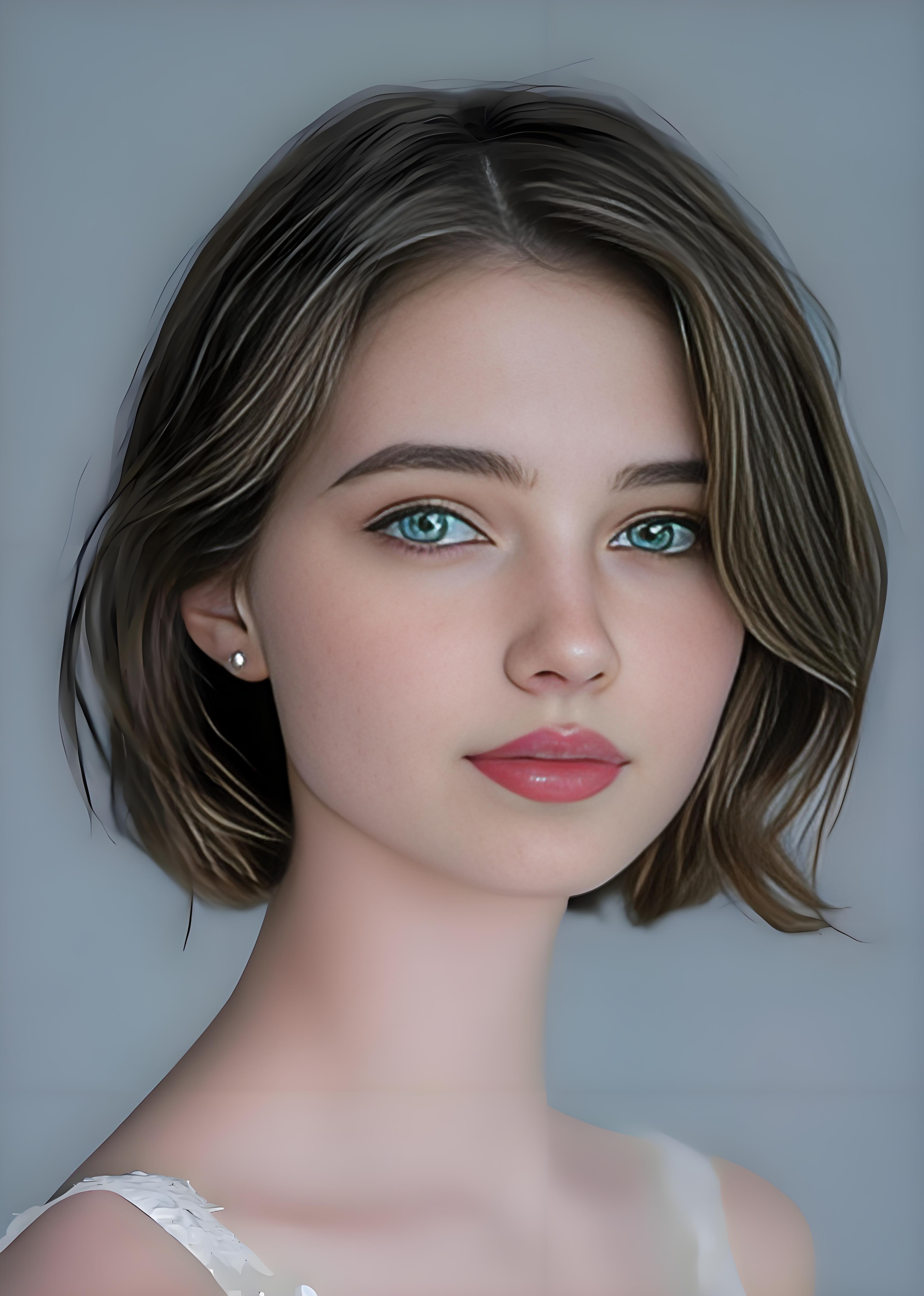
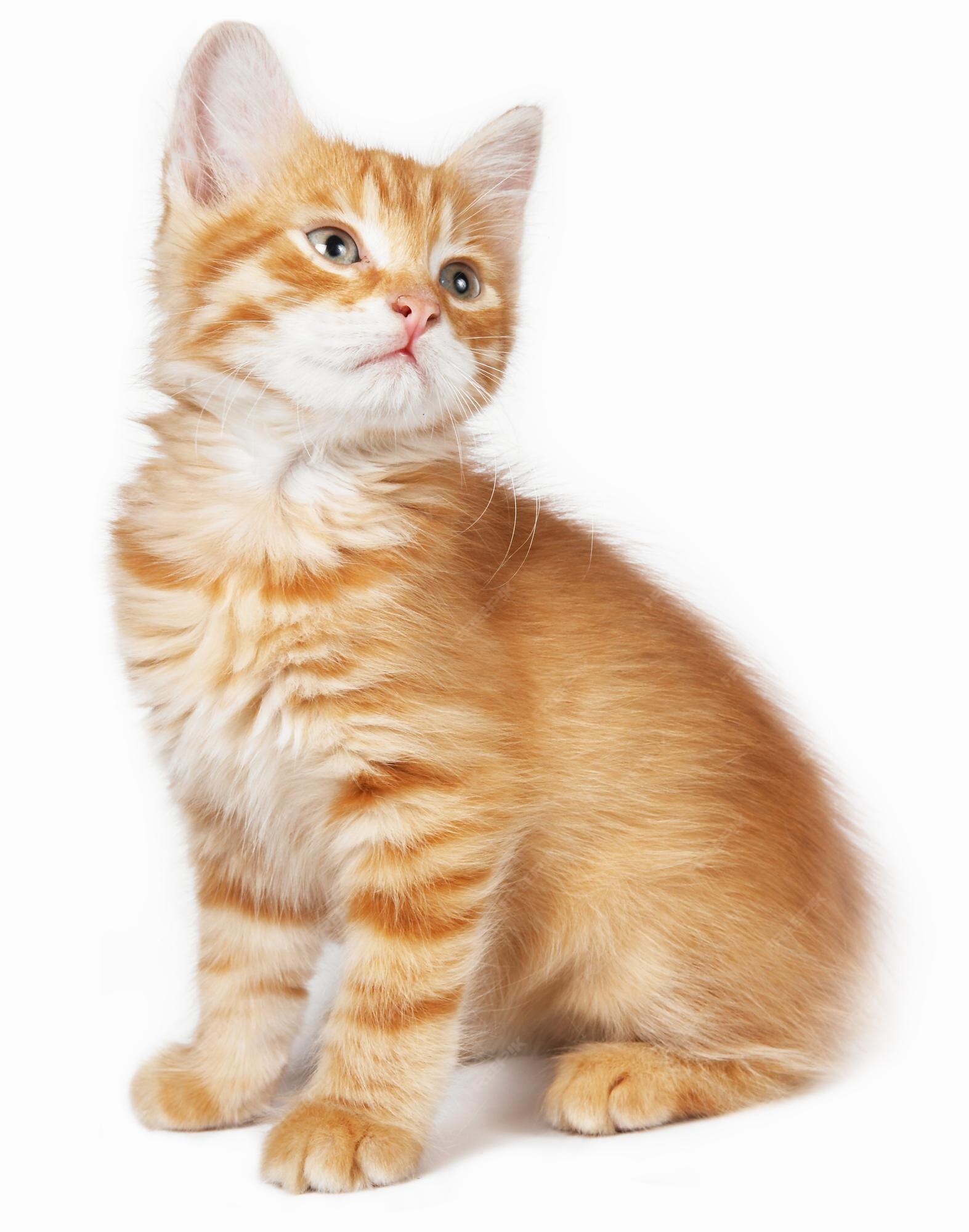
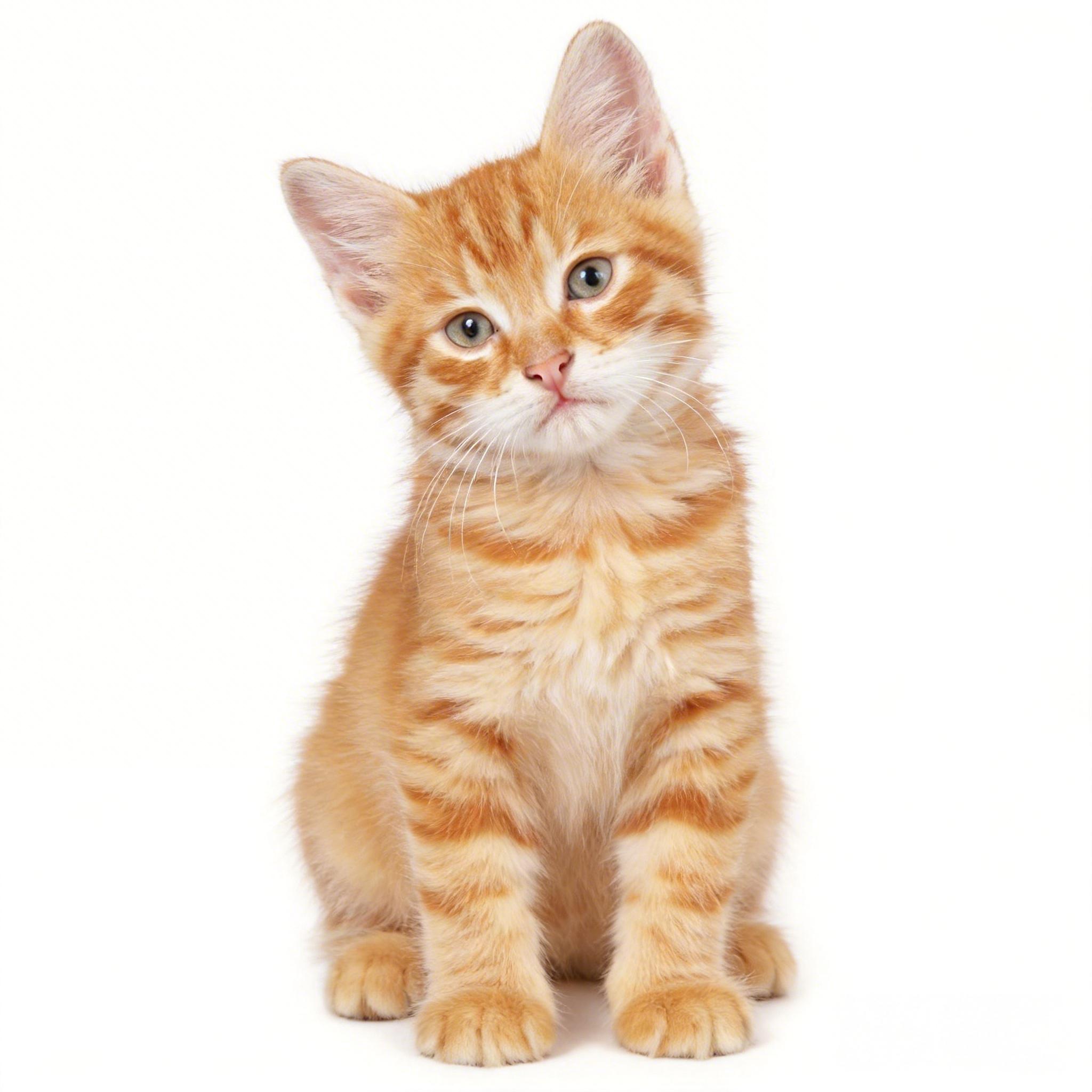
Shots
Total: 7s / 15s
Shots 1
Duration(s)
Shots 2
Duration(s)
Mode
Result
View HistoryKling
| Model & Modality | Credits / Gen | Our Price (USD) | Official Price (USD) | DISCOUNT |
|---|---|---|---|---|
Kling 3.0 Turbo, t2v, i2v, 720p videoKling | 18 per second | $0.0804 | $0.112 | - 28% |
Kling 3.0 Turbo, t2v, i2v, 1080p videoKling | 22 per second | $0.0982 | $0.14 | - 30% |
| Model & Modality | Credits / Gen | Our Price (USD) | Official Price (USD) | DISCOUNT |
|---|---|---|---|---|
Kling 3.0, no audio, 720p videoKling | 14 per second | $0.0625 | $0.084 | - 26% |
Kling 3.0, with audio, 720p videoKling | 20 per second | $0.0893 | $0.126 | - 29% |
Kling 3.0, no audio, 1080P videoKling | 18 per second | $0.0804 | $0.112 | - 28% |
Kling 3.0, with audio, 1080P videoKling | 27 per second | $0.1205 | $0.168 | - 28% |
Kling 3.0, no audio, 4K videoKling | 70 per second | $0.3125 | $0.42 | - 26% |
Kling 3.0, with audio, 4K videoKling | 70 per second | $0.3125 | $0.42 | - 26% |
Kling 3.0 Video Generation API
Create multi-shot AI videos with native audio and consistent characters from text or images.
Prompt:
A car drives through a sandstorm...
Powerful Multi-Modal Video Capabilities
Kling 3.0 combines text, image, audio, and motion into a unified video generation workflow built for real production use.
Multi-Shot Video Generation
Generate structured multi-scene videos from a single prompt, with coherent transitions and stable narrative flow.
Native Audio Integration
Video and audio are generated together, including dialogue, ambient sound, and synchronized speech.
Character Consistency
Maintain stable character appearance across scenes using reference inputs and internal identity tracking.
Text & Image to Video
Start from descriptive text or visual references and turn them into dynamic video outputs.
Motion Realism
Improved physical movement and camera dynamics reduce unnatural motion artifacts.
Production-Ready Output
Export high-quality 1080p video suitable for social media, marketing, and creative prototyping.
Where Kling 3.0 Fits in Real Workflows
From short-form storytelling to branded content, Kling 3.0 works best when you need structured scenes, consistent characters, and built-in audio.
Short Narrative Videos
Imagine writing a short script and getting back a multi-scene video instead of a single static clip. With multi-shot generation and native audio, you can build short stories, character moments, or episodic content that actually feels connected — not like stitched fragments.
Branded Social Campaigns
When you need consistent characters wearing specific outfits, speaking specific lines, and appearing across multiple shots, continuity matters. Kling 3.0 helps maintain visual identity while generating synced dialogue and ambient sound, making it easier to test ad concepts or launch fast-moving social campaigns.
Product Concept Visualization
Have an idea for a product teaser or feature demo? Start with a few images or a text outline and turn it into a structured video draft. Instead of storyboarding everything manually, you can quickly generate a visual version, iterate, and refine before going into full production.
Kling 3.0 vs Runway Gen-4
Compare key features like multi-shot support, native audio, and max duration to see which fits your video projects best.
| Feature | Kling 3.0 | Runway Gen-4 |
|---|---|---|
Core Focus | Multi-shot narrative video generation | Cinematic single-scene & editing-focused generation |
Max Duration | Up to 15s structured multi-scene output | Up to 10s per scene |
Resolution | 1080p | Up to 1080p |
Native Audio | Yes – video and audio generated together | No native audio generation |
Multi-Shot Support | Built-in multi-scene sequencing | Single-shot focus |
Character Consistency | Stable across scenes with reference input | Limited; requires manual workflow for consistency |
Text to Video | Supported | Supported |
Image to Video | Supported | Supported |
API Availability | Unified API access via Crun | Unified API access via Crun |
Best Use | Short narratives, structured storytelling, social videos | Cinematic visuals, scene refinement, creative editing |
Frequently Asked Questions
What’s the maximum video length I can generate with Kling 3.0?
Each video can be up to 15 seconds with multiple shots included, giving you structured, coherent scenes.Can I generate audio with the video?
Yes! Kling 3.0 generates native audio alongside the video, including dialogue, ambient sounds, and speech syncing.How consistent are characters across multiple shots?
Characters remain stable across scenes when you provide reference inputs, helping maintain identity and visual continuity.Can I use both text and images as input?
Absolutely! You can start with text prompts, images, or a combination to generate videos.How do I access Kling 3.0 via API?
Kling 3.0 is available through Crun’s unified API, so you can integrate it seamlessly into your apps or workflow.
